
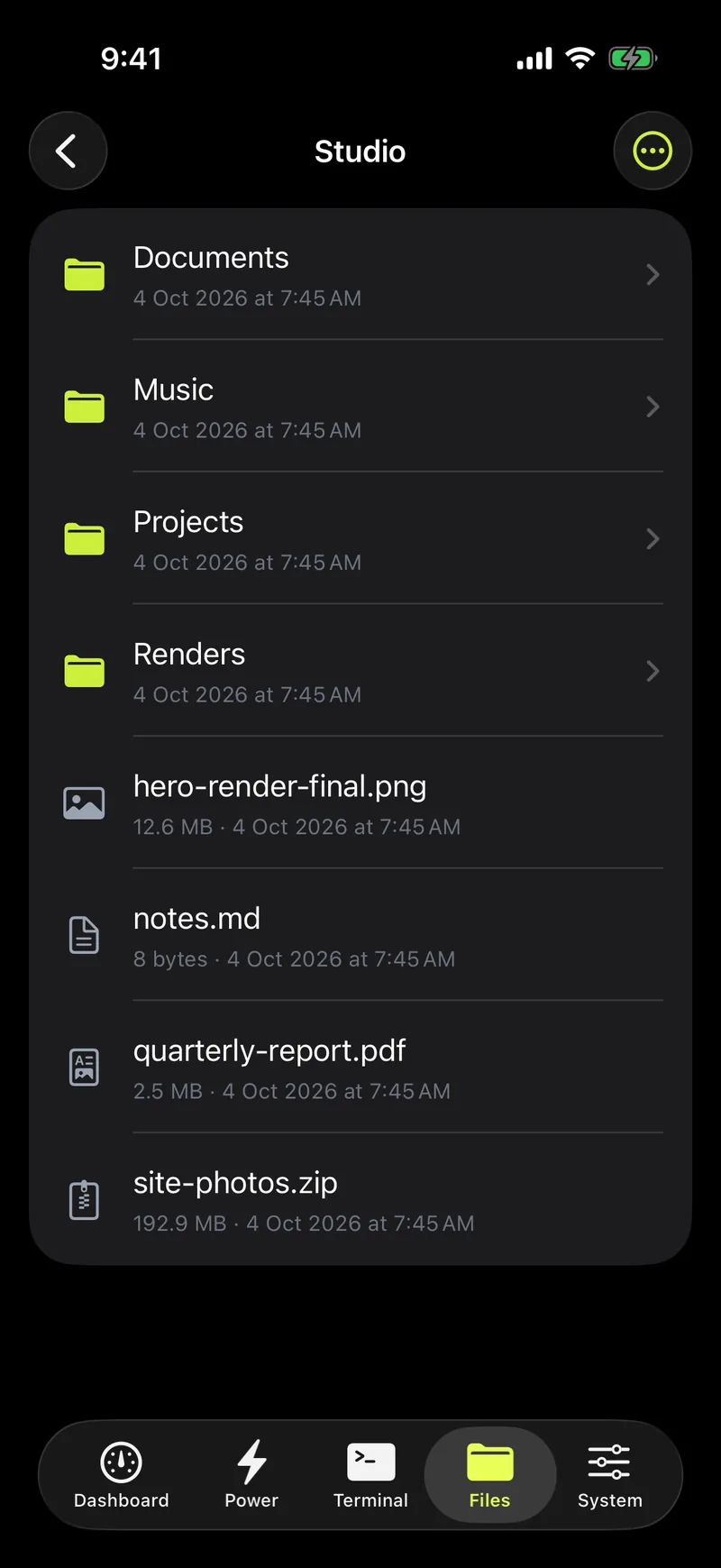
Browse, search, share
Open folders on your Mac, find files by name, and save them to your phone or upload new ones.
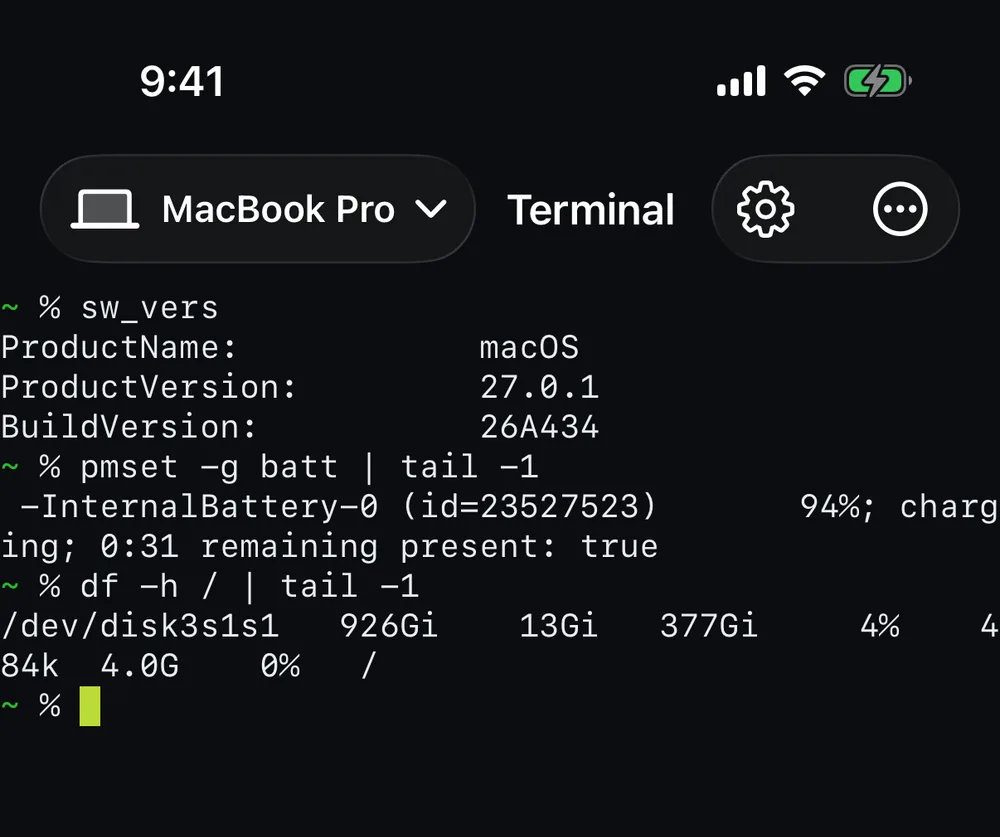
Check the battery, control charging, open a terminal and move files on your Mac, from your iPhone or Android phone.

A small menu bar app for macOS. No account needed on your own network.
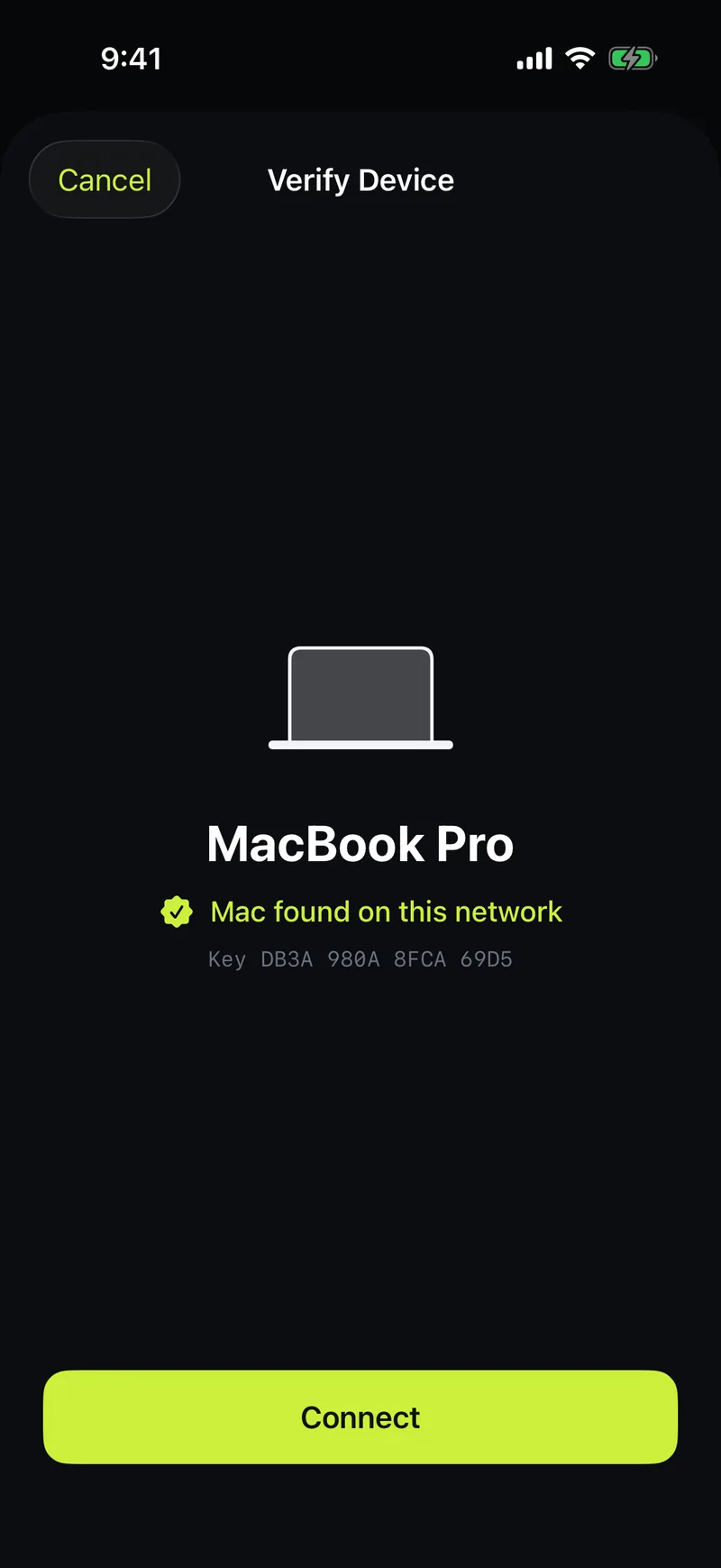
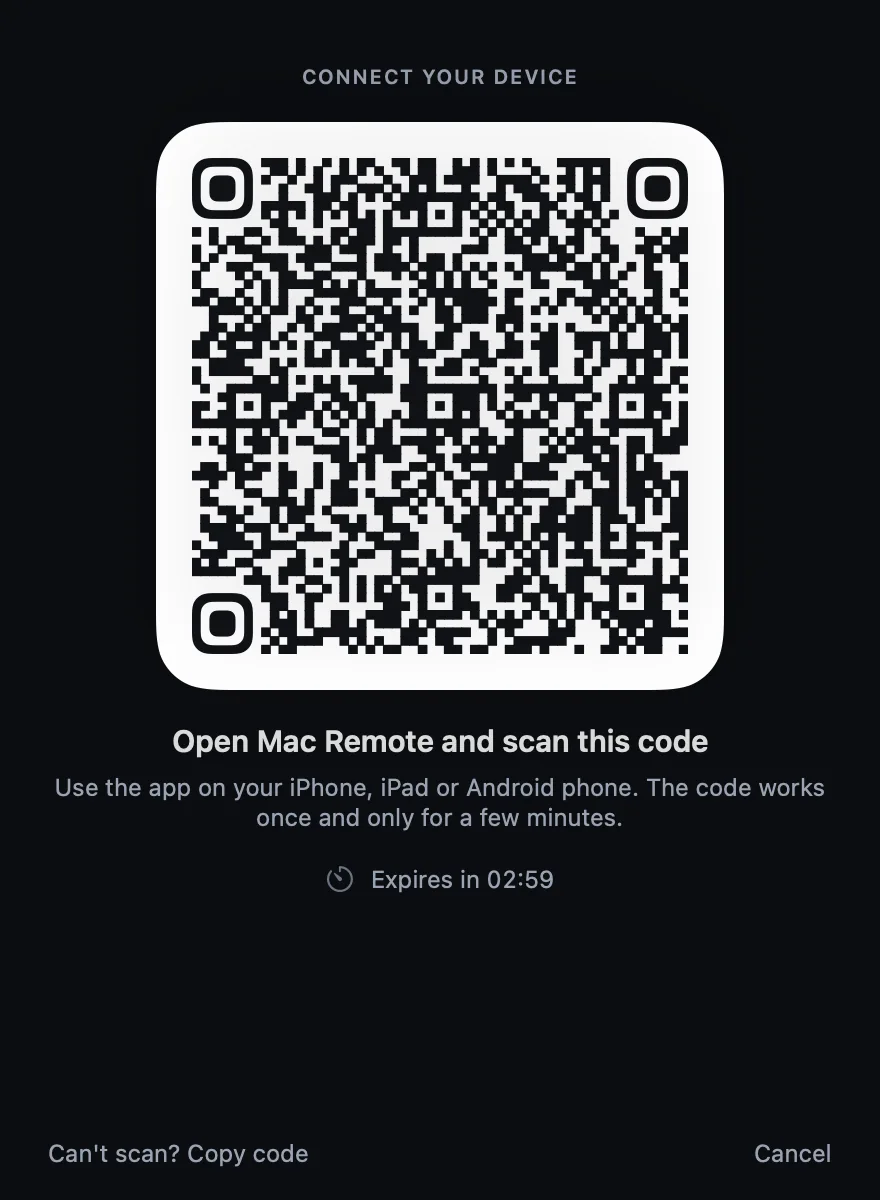
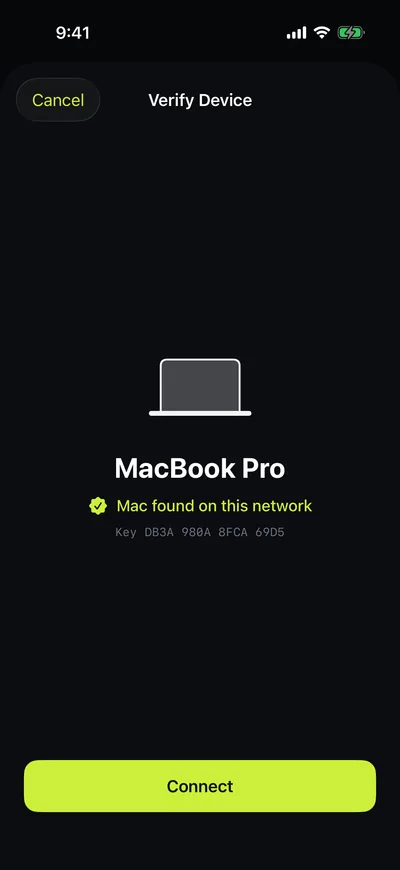
Your Mac shows a QR code. Scan it with the Mac Remote app on your phone.
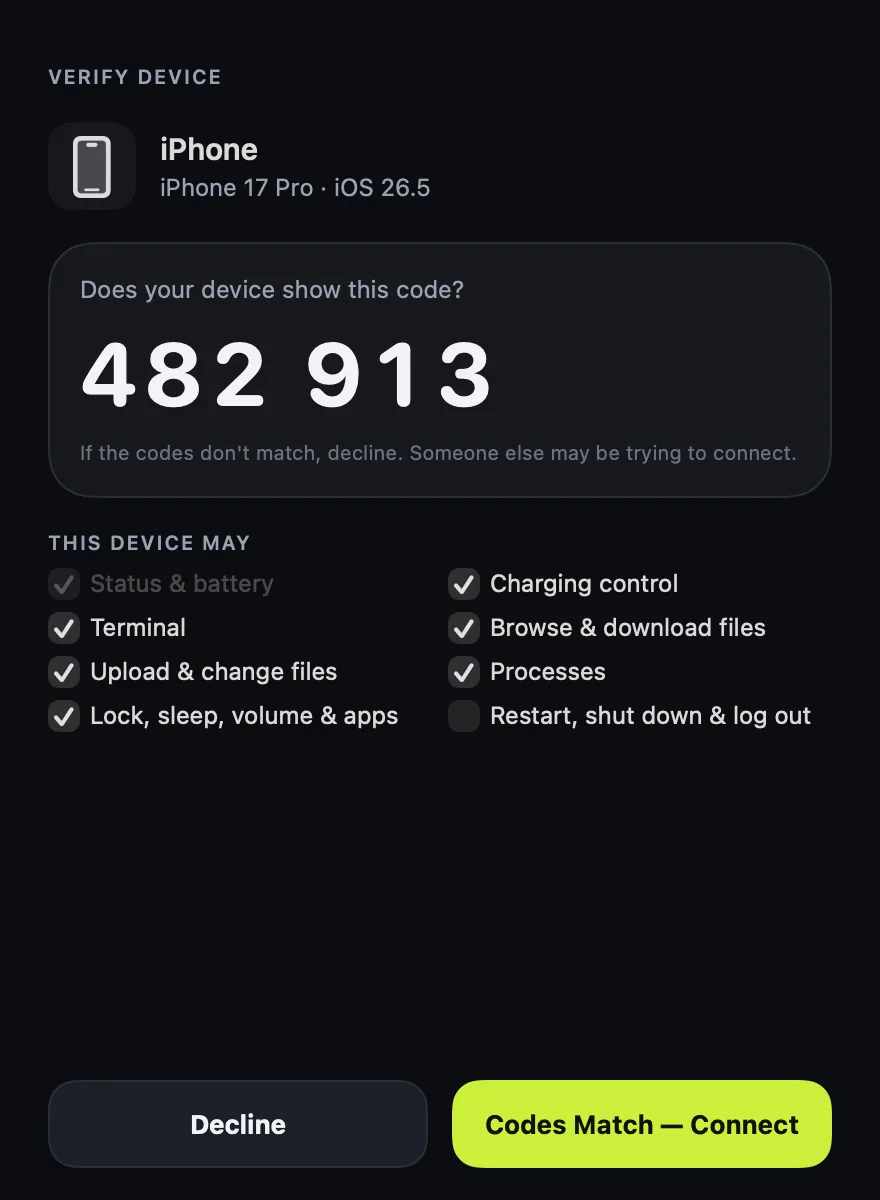
Both screens show the same code. Approve on the Mac and choose what the phone is allowed to do.
Your login shell runs on the Mac in a real terminal session. Lose signal, reconnect, and pick up exactly where you were.
Desk Mode
Set a charge limit, or let Desk Mode cycle the battery while the charger stays connected: charge to the top level, run on battery to the bottom level, repeat.
Uses the Charge Limit built into macOS where available. Running on battery while plugged in uses the optional Mac Remote helper and depends on what your Mac supports. The app shows exactly what yours can do.
Open folders on your Mac, find files by name, and save them to your phone or upload new ones.
Large transfers resume where they stopped, and every file is checked with SHA-256 when it arrives.
Deleting from your phone moves files to the Trash on your Mac. Nothing is erased for good.
Mac Remote stays inside the folders you choose and respects the privacy controls in macOS.
Lock the screen when you walk away, turn the music down from the couch, or restart a stuck Mac from another room.
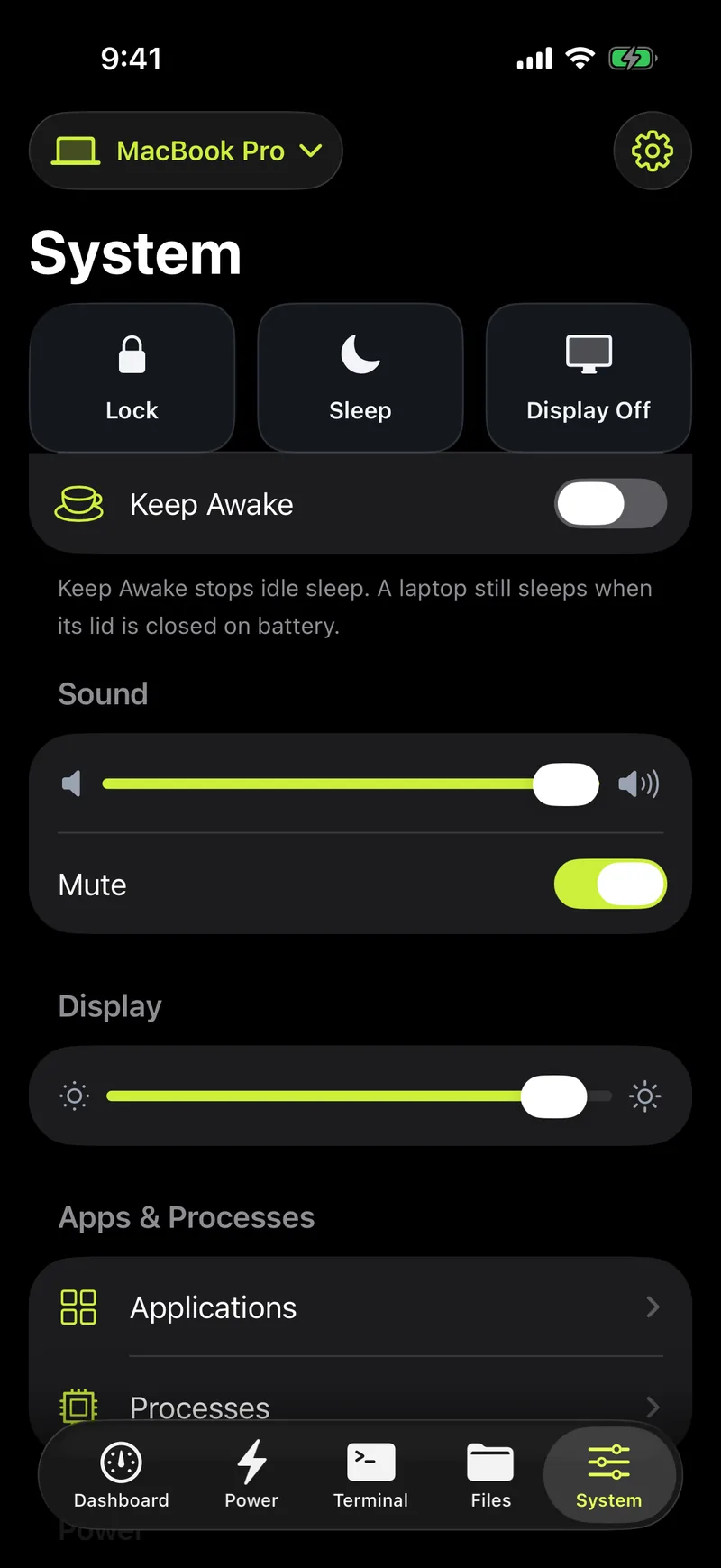
One tap, from anywhere.
Put the Mac to sleep or just turn off the display.
The Mac's real output volume, not a guess.
On displays that allow it.
Stop sleep during a long download or build.
See what's open, launch or quit apps.
Find what's using the CPU and stop it.
Confirmed with Face ID or fingerprint first.
Security
Your Mac and phone each create their own key, in the Secure Enclave or Android Keystore. Pairing exchanges public keys only.
Every connection uses TLS 1.3 with both sides pinned to each other's key, including connections through the relay.
Permissions are checked on the Mac for each device. Sensitive actions need Face ID or a fingerprint on your phone.
No account at home. No analytics. No ads. Away from home, the relay passes along encrypted bytes it can't read.
Your files, terminal sessions, commands and the security log. Nothing is uploaded anywhere.
Device key fingerprints so it can connect the right phone to the right Mac, and how many bytes went through. Never the contents.
Free
Everything on your own network: dashboard, charging, Desk Mode, terminal, files and system controls, for multiple Macs and phones.
Free with your own relay
Run the relay on any small server and reach your Mac from anywhere. Step-by-step setup is in the docs.
A hosted relay is planned. It isn't available yet, so there's nothing to buy today.
Mac Remote isn't in the App Store or Google Play yet. Try the Android preview, or build the Mac and iPhone apps from source.
macOS 14 or later · build from source
iOS 18 or later · build from source
Android 10 or later · APK, 26.8 MB
The Android preview is a test build signed with a development key: allow installs from your browser when Android asks. SHA-256 d6ec70a3c9f33efa80062aeeb1cfb0dd13b4d8ed2fe6d45914b79354e6501ee5 (SHA256SUMS)
# Mac app (menu bar) and iPhone app
cd apps/macos && xcodegen generate && open MacRemote.xcodeproj
cd apps/ios && xcodegen generate && open MacRemoteiOS.xcodeproj
# Android app
cd apps/android && ./gradlew installDebug
Full instructions: Development guide